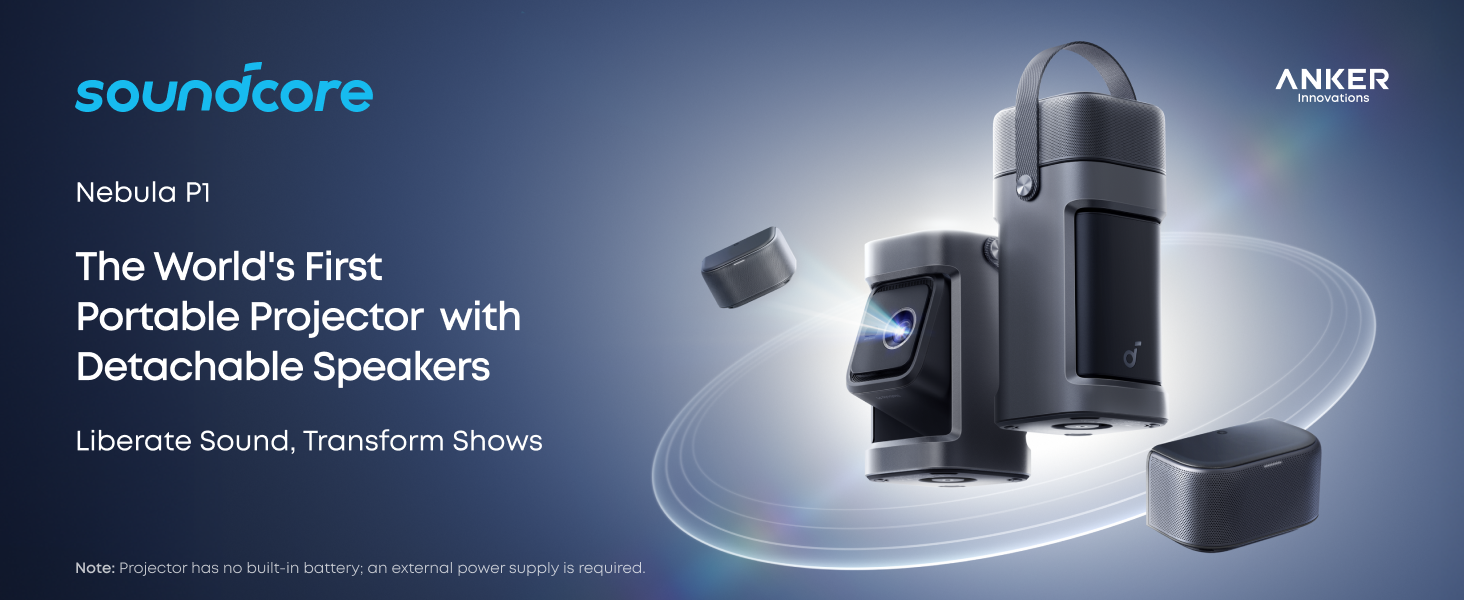
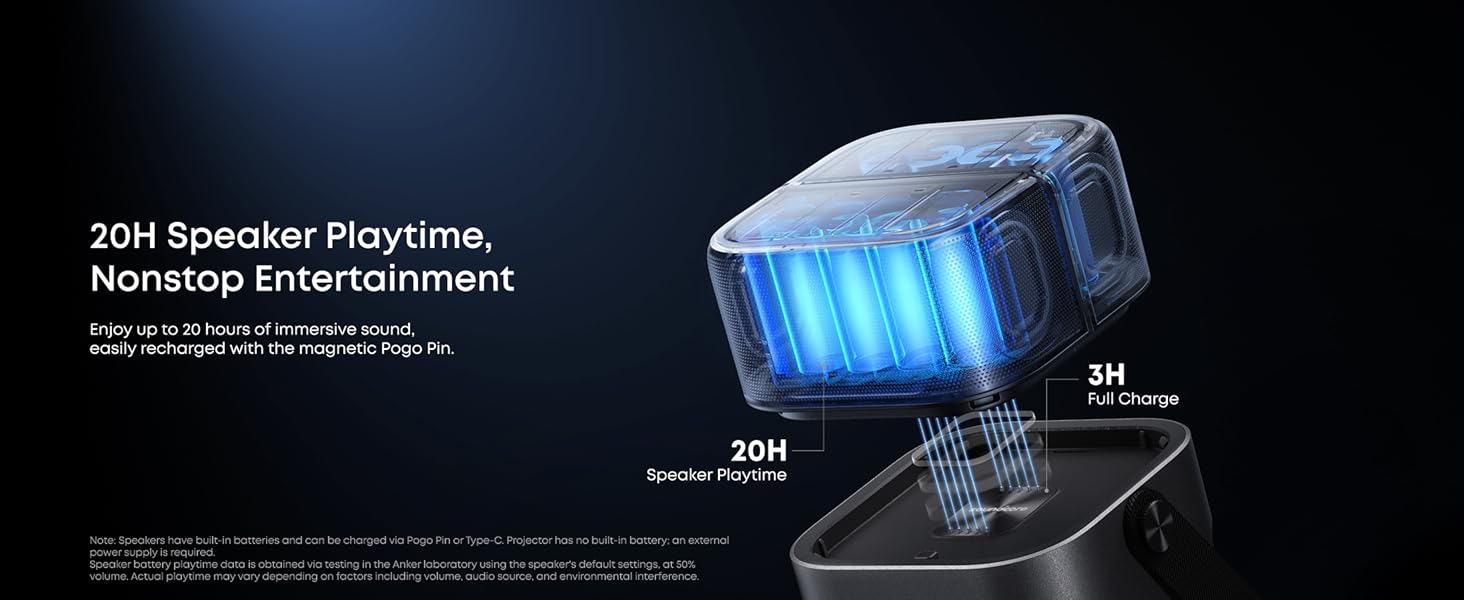
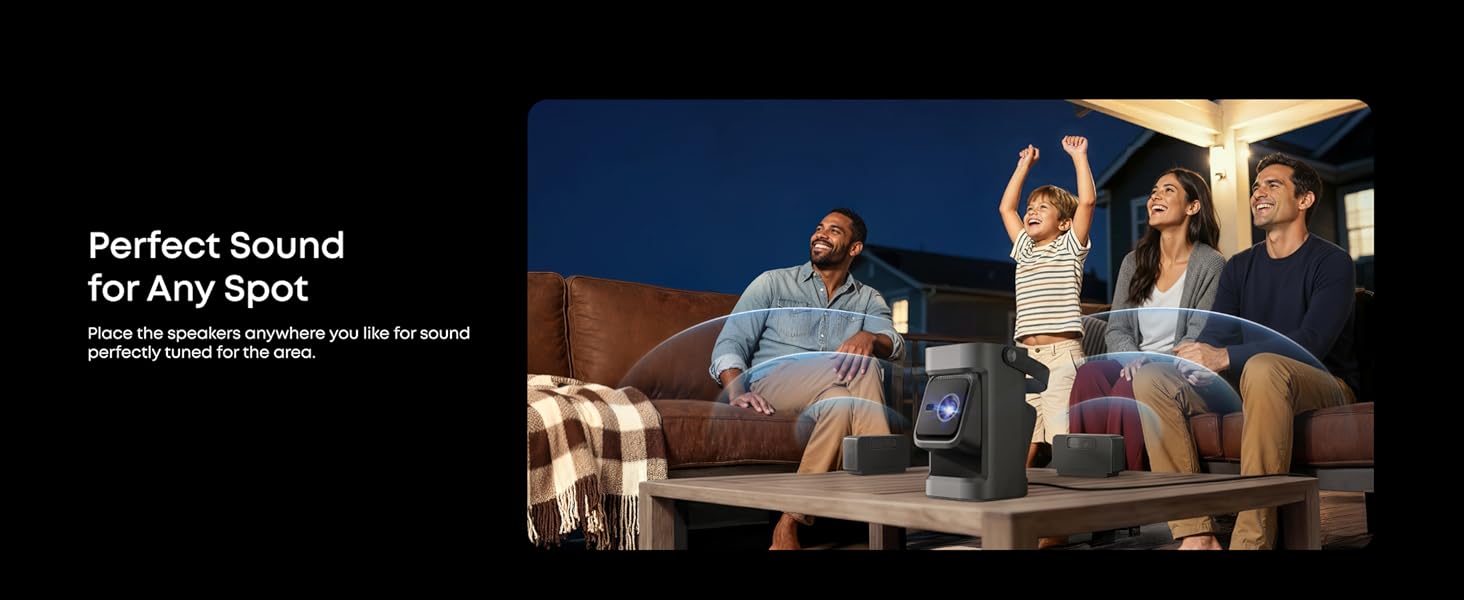
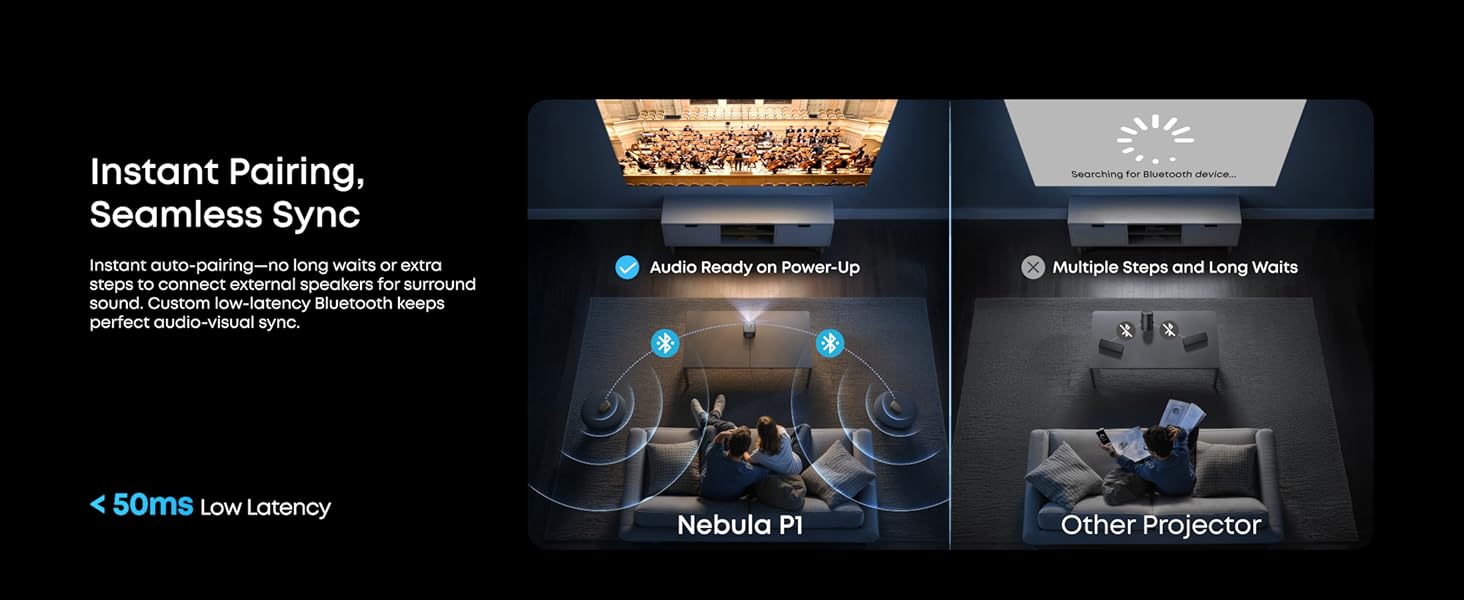
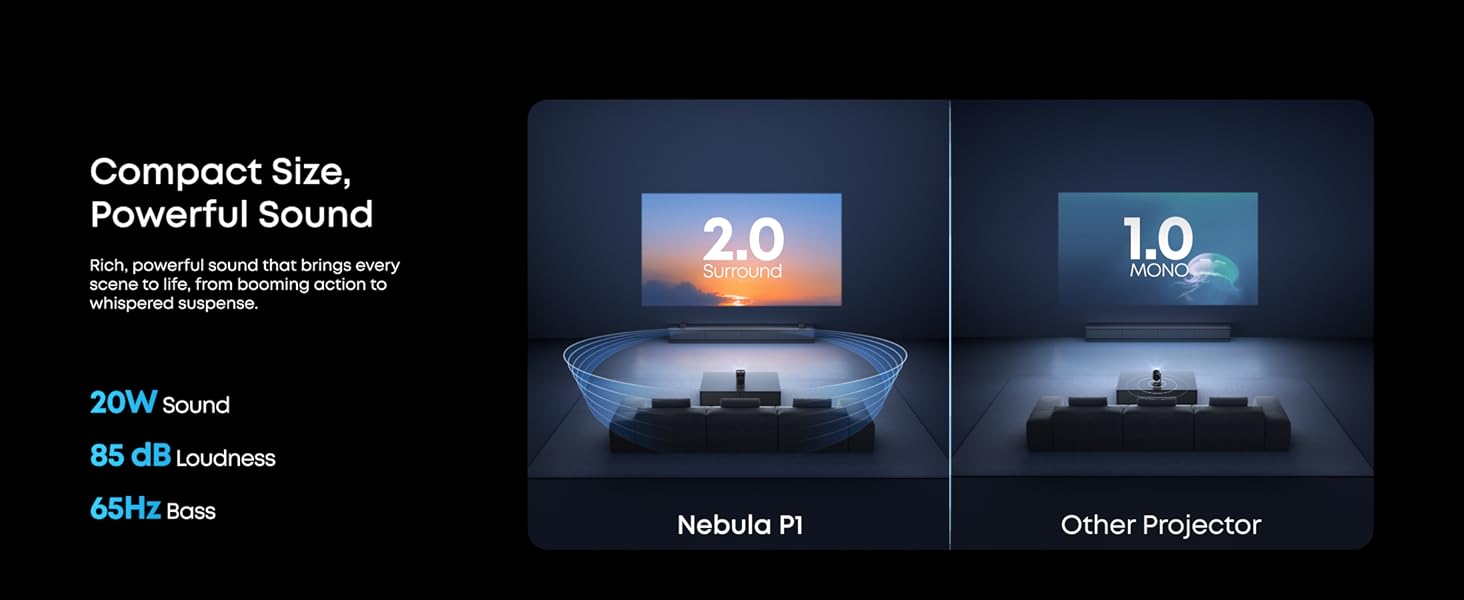
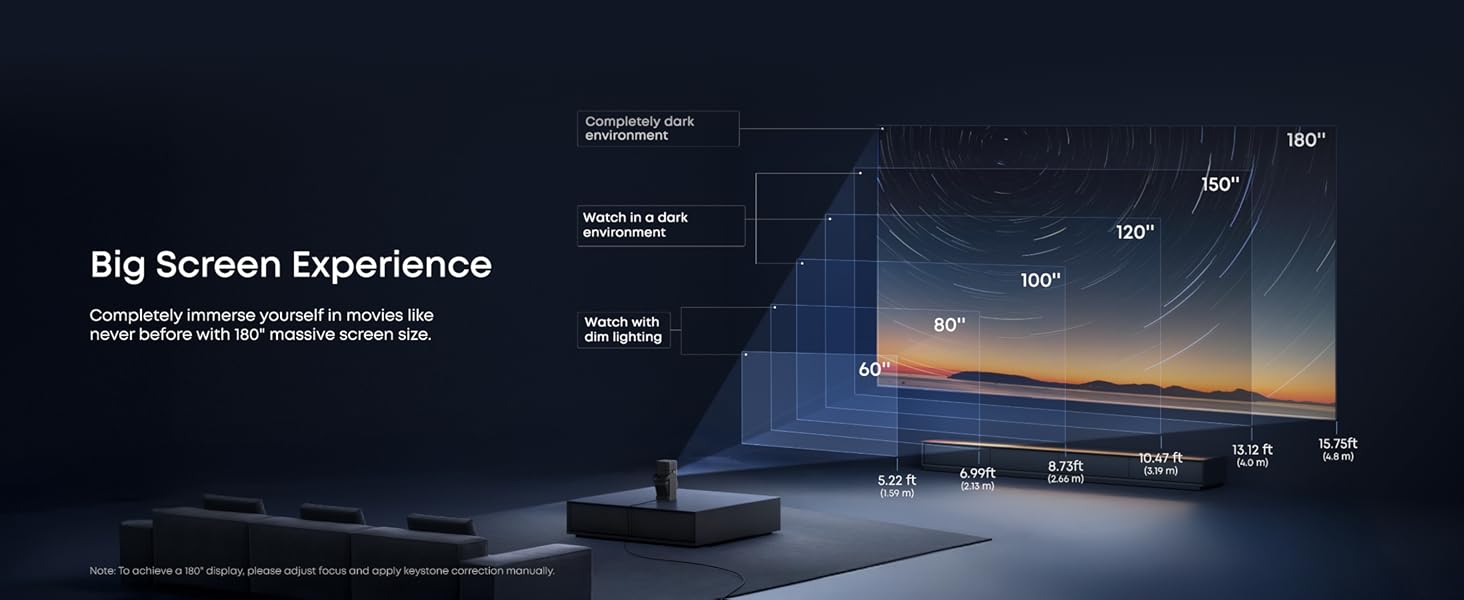
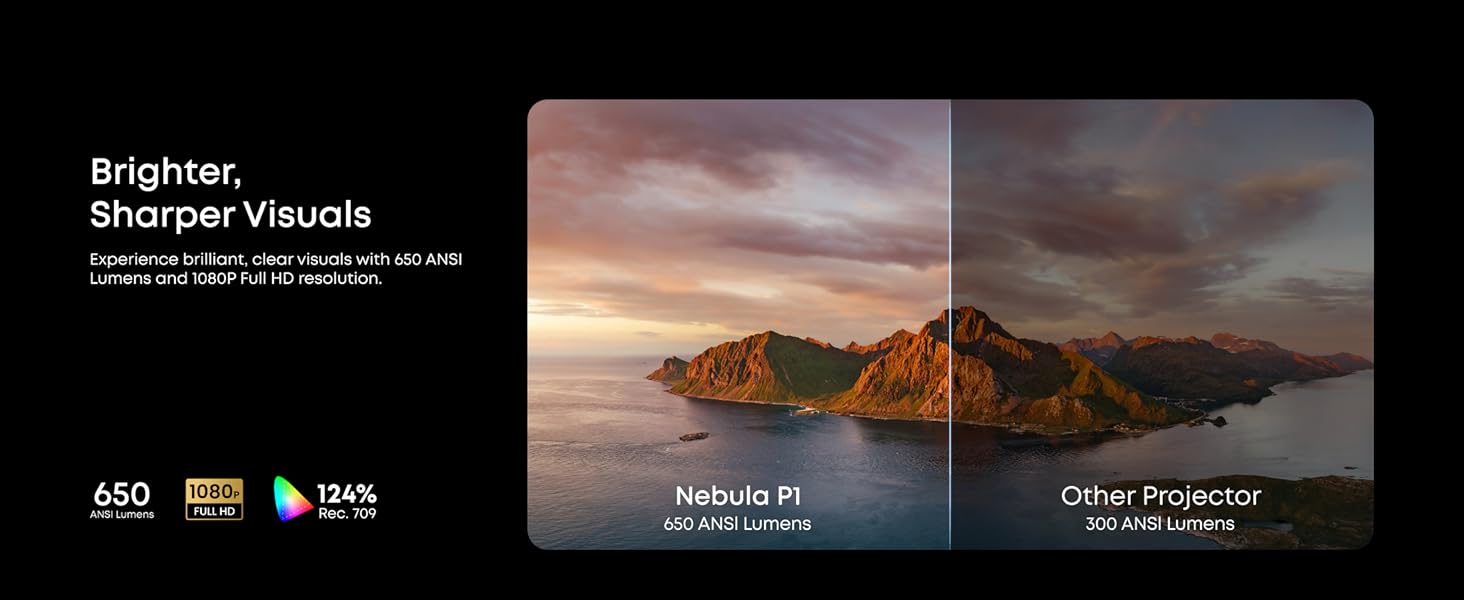
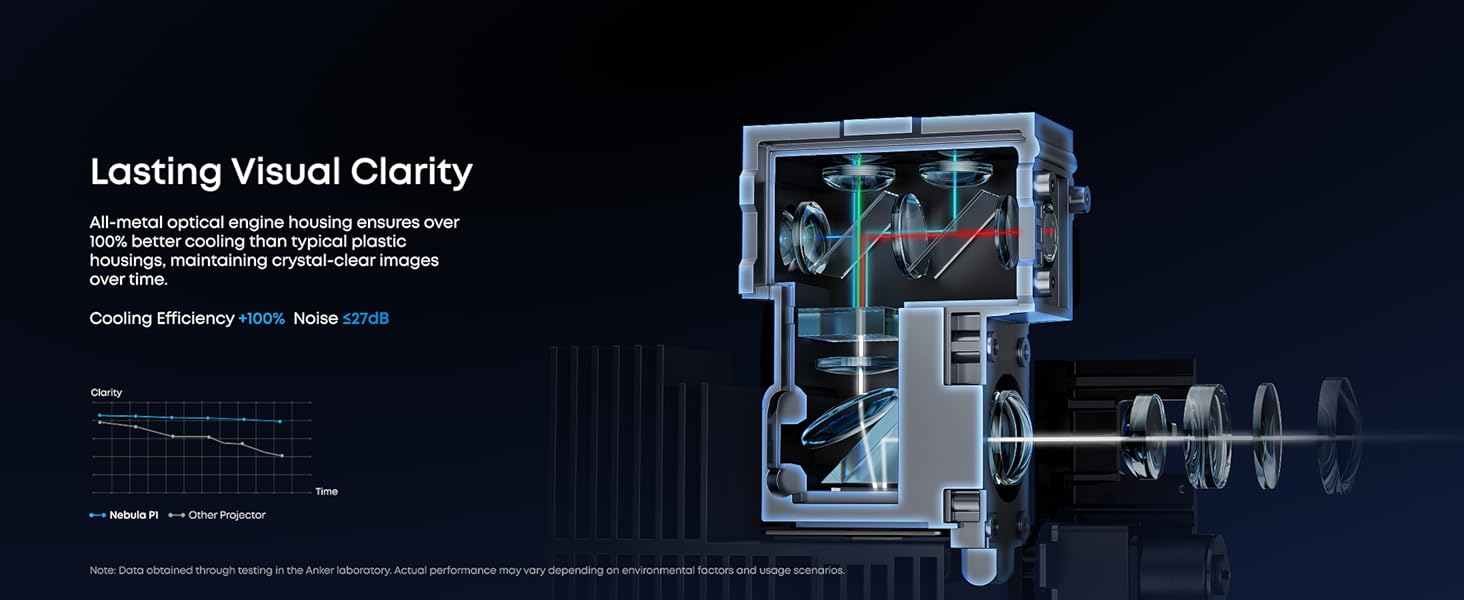
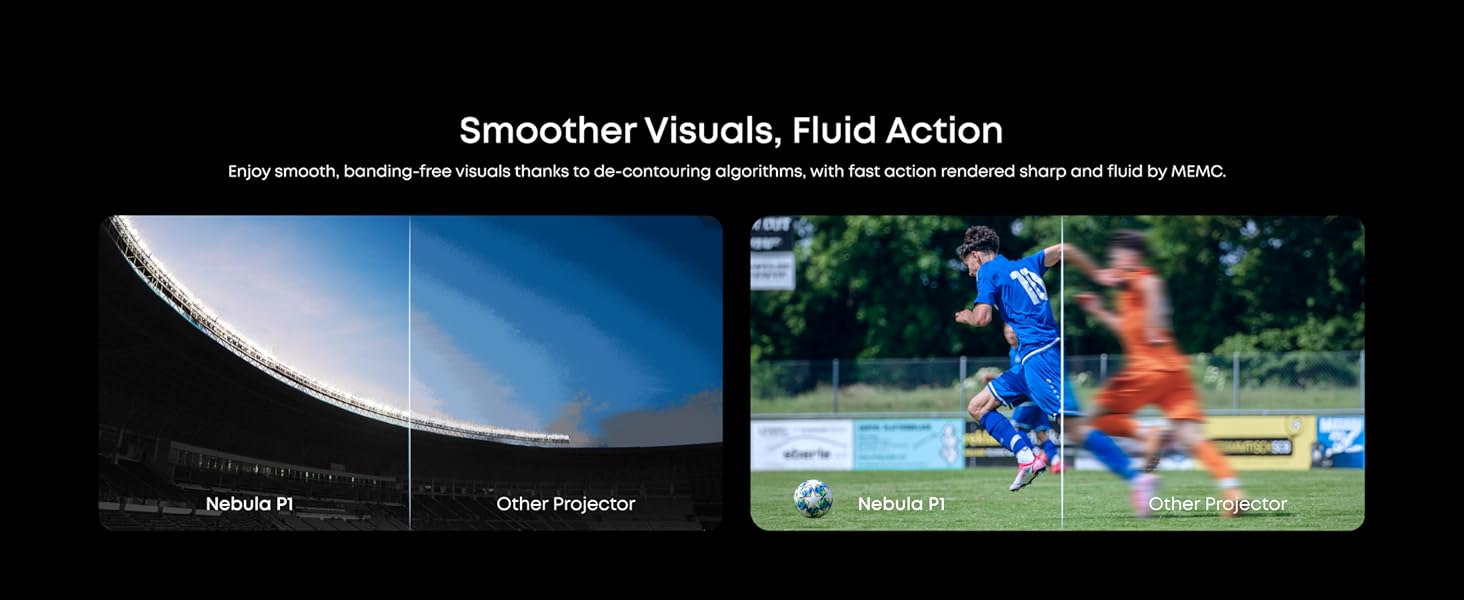
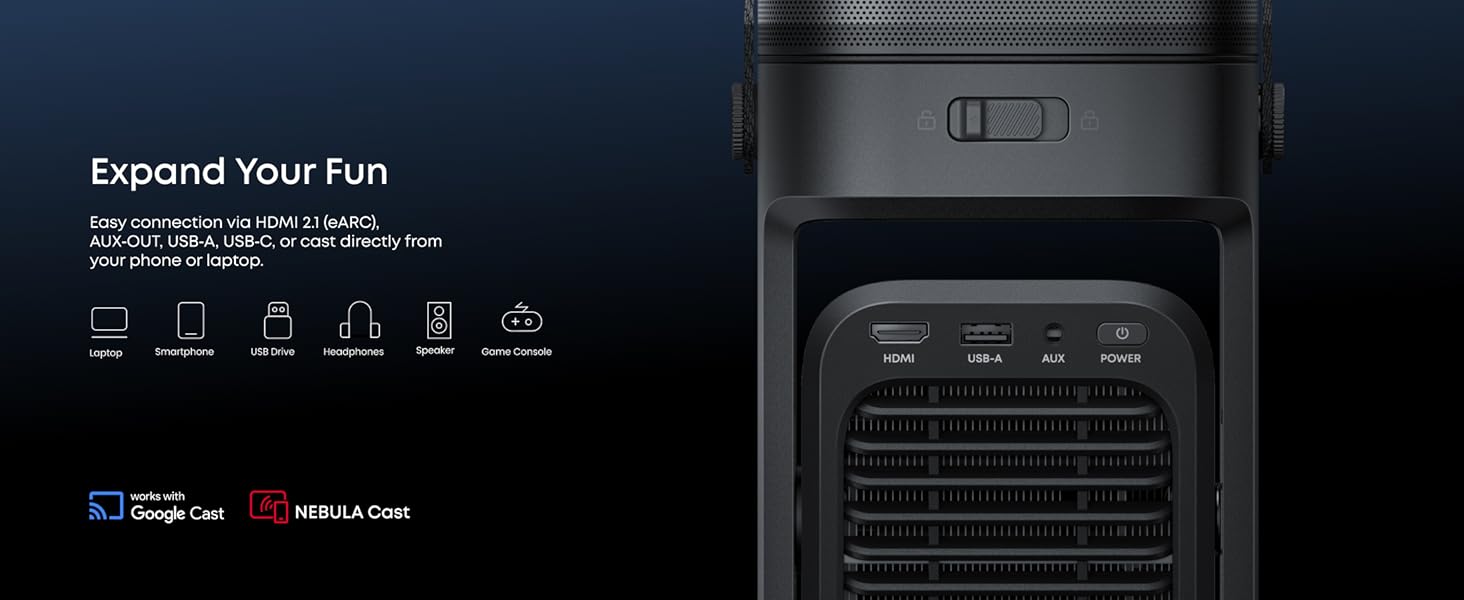
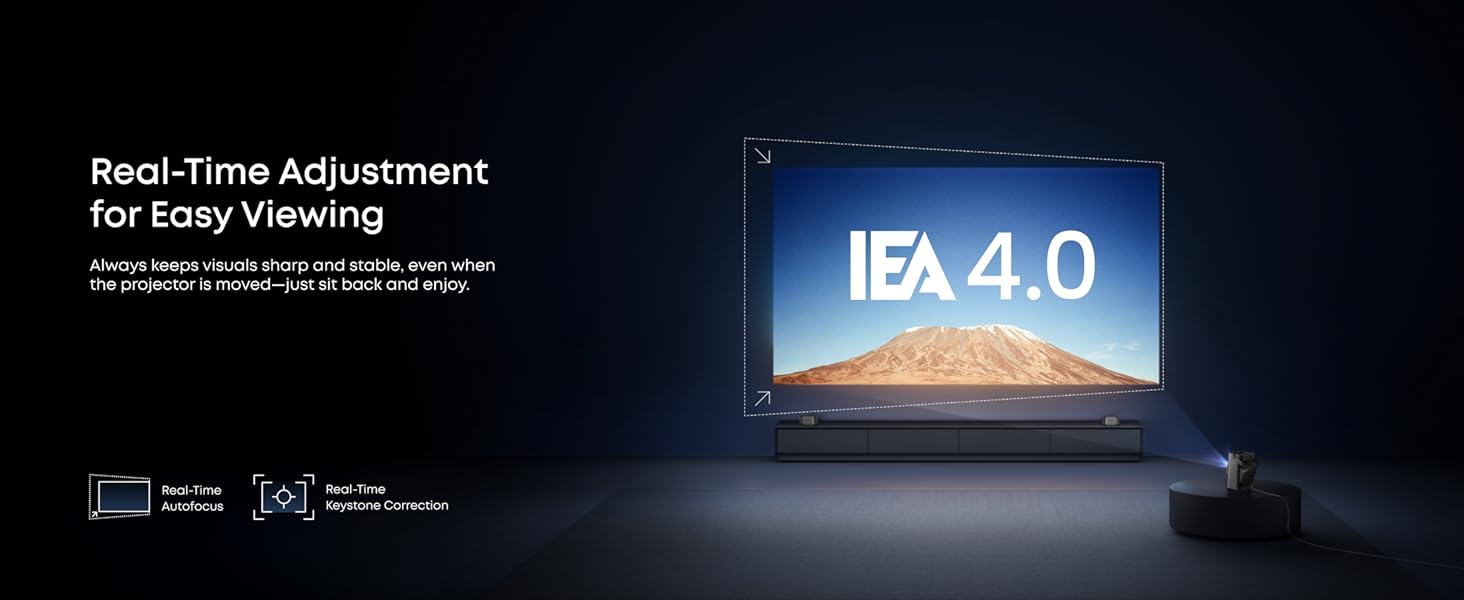
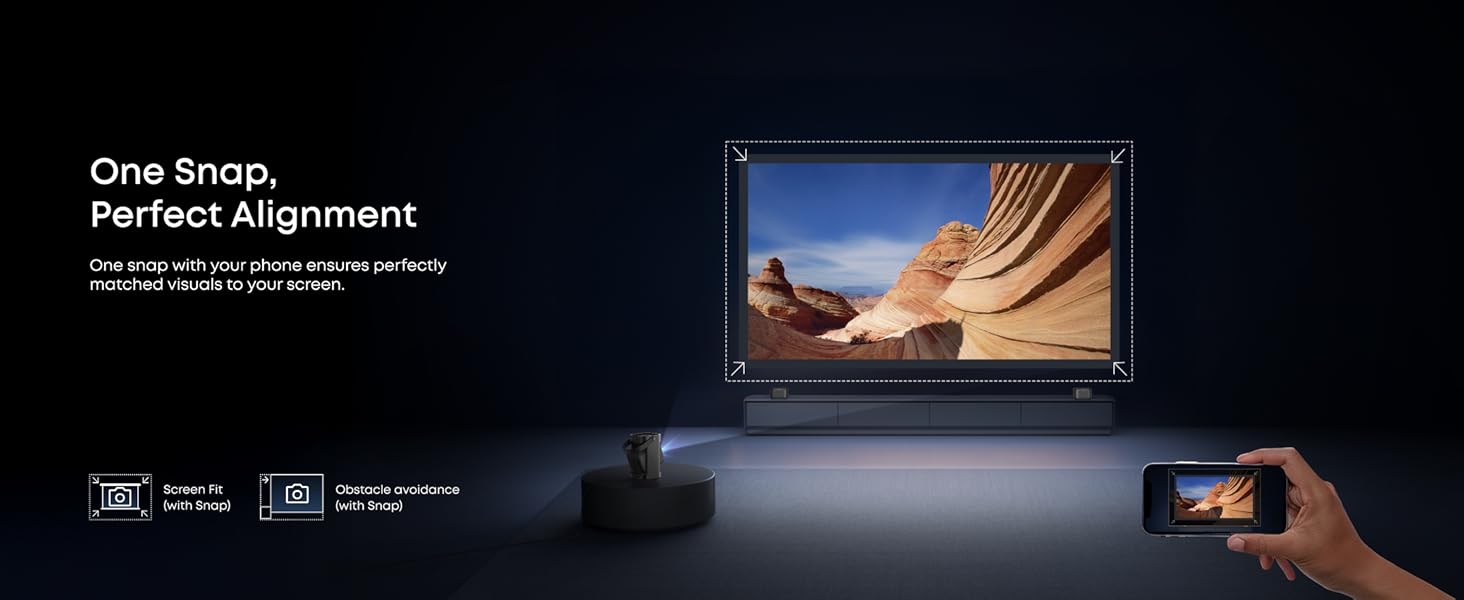
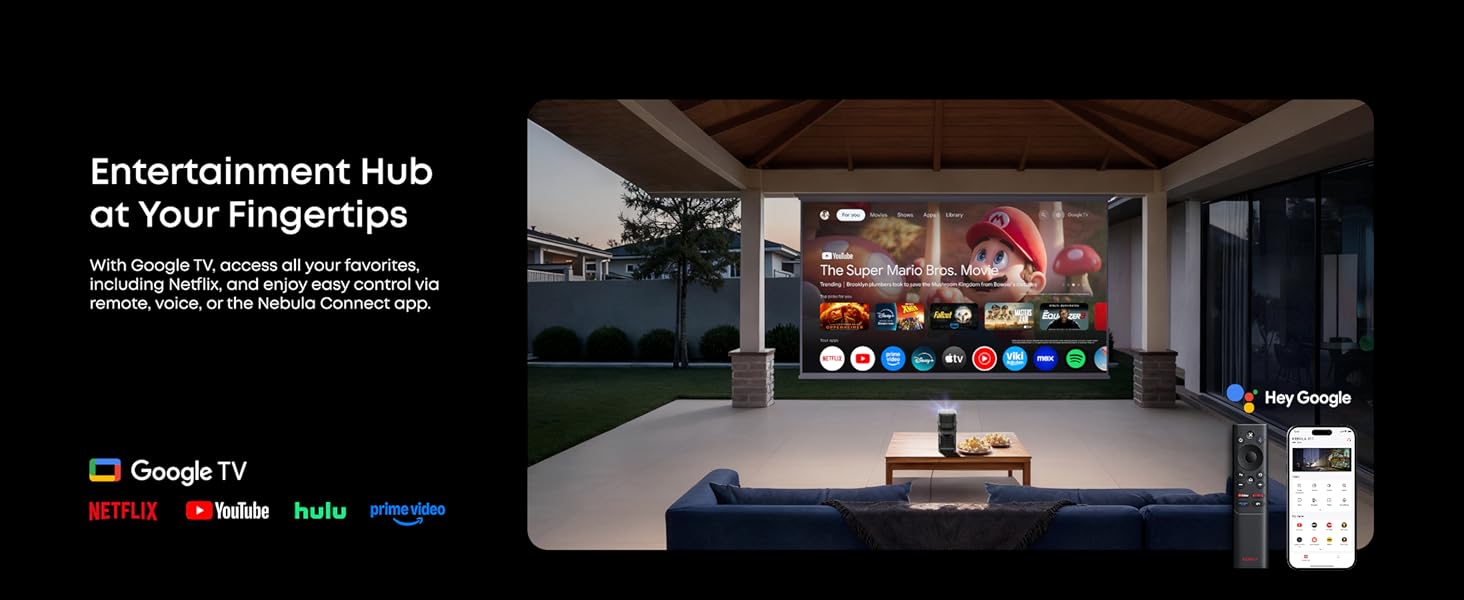
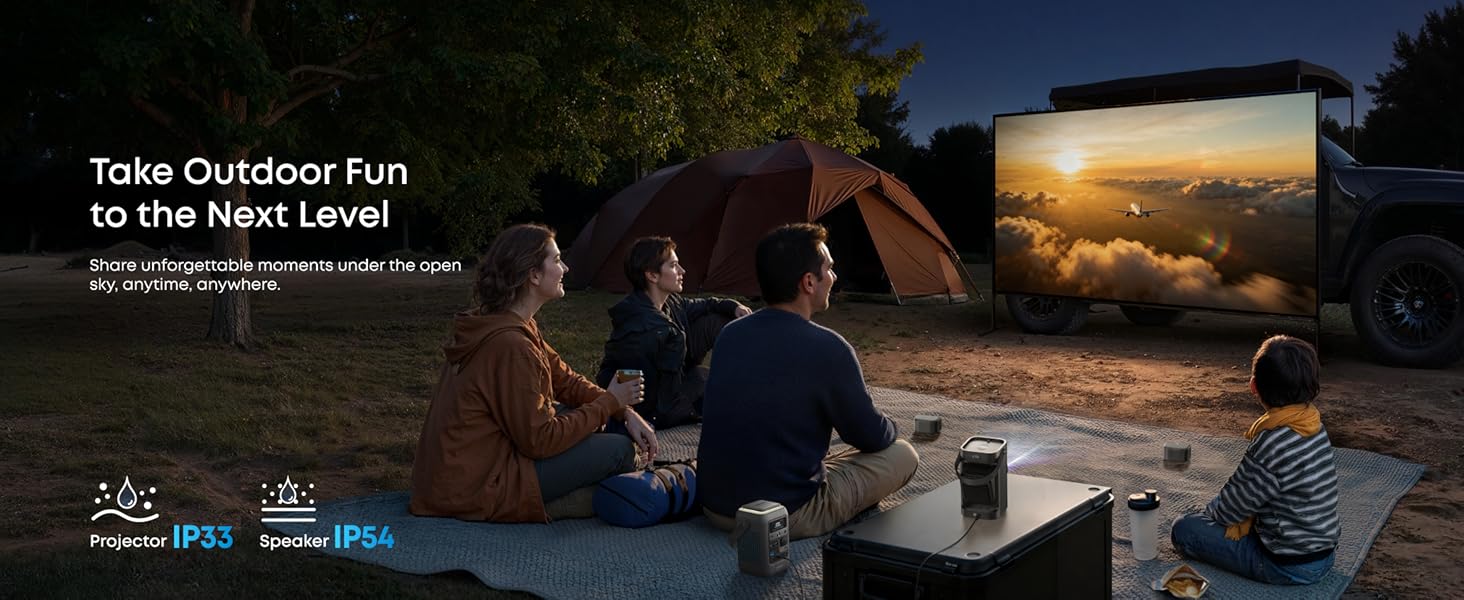
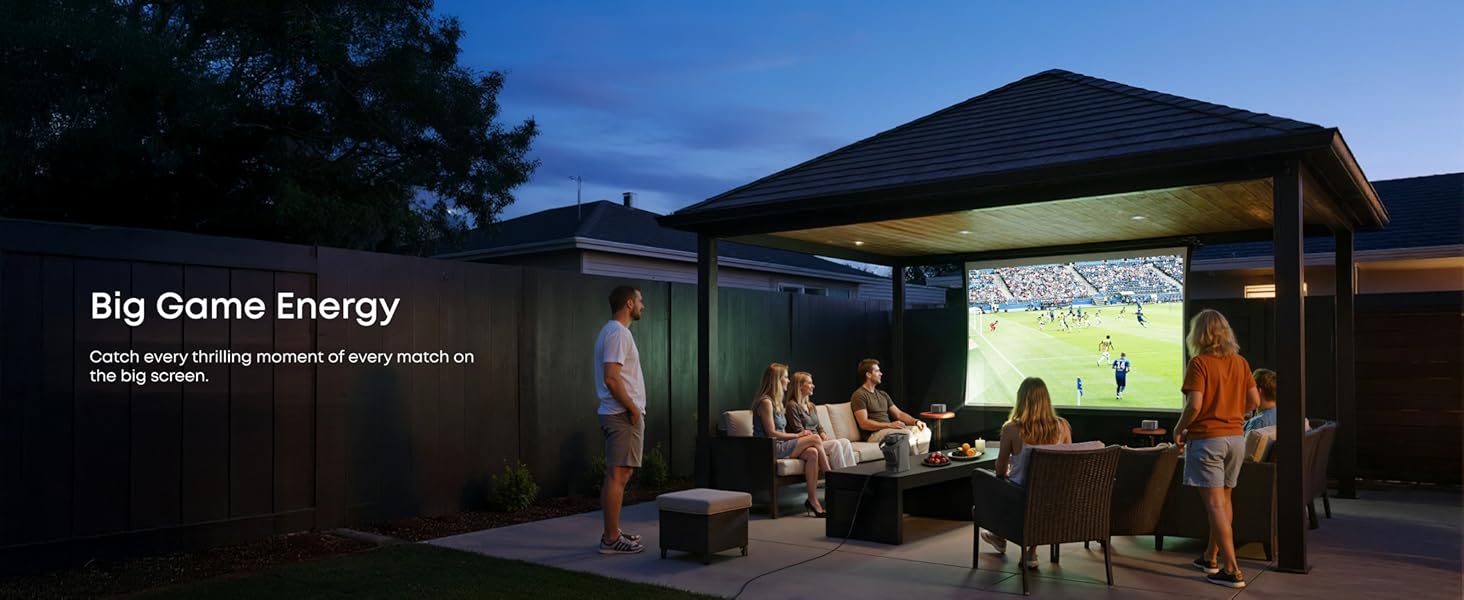
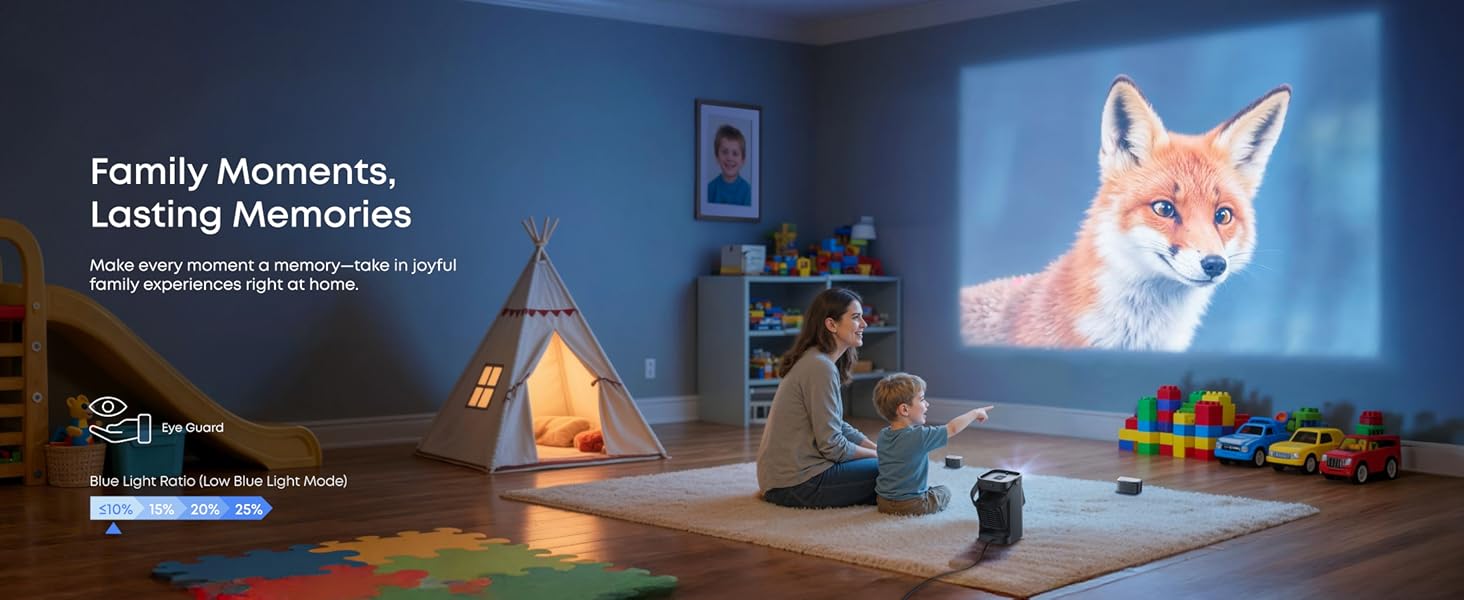
If you've toyed with the idea of a projector and maybe even gone as far as dipping your toe in by spending < £150 on one, then this device from Soundcore will really impress you - it's in a different class to the low end devices that seem so attractive on paper. I know, I've gone down this path in the past. The two things which disappointed me most about the cheapest projectors were - the noise of the fan (it can dominate the whole proceedings and can be very off-putting) and the low brightness of the picture. Take the Nebula P1 out of the box and you're immediately hit by its heft; it feels sturdy, well built and oozes an air of good design. The projector is contained in the lower part of the unit on a rotating swivel. When folded away all the optics and inputs are protected. Swivel it out for use and the projection lens is clearly visible on the front and the AV i/o (USB, HDMI, 3.5mm AUX) and on/off switch es are presented on the rear. One of the most novel features of the Nebula is the speaker arrangement; two 20W speakers are attached on the top of the unit, secured with a spring loaded latch and when they are taken off, they remain together as they magnetically attached - a simple pull apart and you have a pair of bluetooth speakers which can be positioned wherever you want in the viewing space. Sound is an often underrated paert of the viewing experience, a surround sound setup can have a huge impact on the effectiveness of watching a film of tv programme. Sure, the Nebula P1 only has two speakers, but the fact that, being wireless, they can be positioned pretty much anywhere and you're on the way to having a pretty decent sound setup for viewing your programme. Each speaker has its own on/off and USB-C charge port, but these are extras since when returned to the top of the main unit, the speakers are charged from it via a set of spring contacts - very slick. And that's how best to describe how this works, slick - all the extra features and automation which are included show the thought that has gone into making the experience of using it as friction free as possible, but then again at this price point, I think you're right to deserve quite a bit extra for your money. The whole setup is powered via a USB-C input using the provided USB-C mains-DC adaptor and ~1m long USB-C power cable. This choice is interesting; the inclusion of a mains supply in the unit itself would make it bigger and by using USB-C it's slightly more efficient to then make use of a portable power pack (of a decent size though, given the power consumption of the device - the inluded 100W supply gets appreciably warm in use) if you do want to go portable - the whole look and feel of the unit shouts portabiity, but (large power packs aside) it can't be too far from a mains supply. One little feature which I thought was very cool is the inclusion of a camera tripod thread on the base of the unit - very handy to simulate a sky-hook and satiate that 'if only I could have the projector *just* here, when there is no surface available' requirement. Out of the box, there's a fair amount of setup to go through - just like any modern TV. In fact this presents itself as a Google TV unit, but shares a great deal with much cheaper projectors which present a skinned Android OS, so that's not too much of a surprise. However once you're through all the setup, a bright, colourful and corner to corner in focus picture is presented to you - it's very, very nice. But what wowed me just as much is the silence that accompanied it. Cheaper projectors I have tried come with a 'jet taxiing for take-off' level of fan noise, but not this unit - if you get your ear really close to it, yes you can hear the fan, but it is very quiet. Returning to the image, I said it was bright and that is the case, but it's not bright enough for a daylight filled room, it needs to be tending towards dark for the projector to really shine. 650 ANSI lumens sounds like a lot and it is compared to lessor projectors, but if you consider that other projectors in the Nebula range offer 3500 ANSI lumens, then you can see that you still need to take care about the ambient light level you want to operate in. It's not always convenient to have the projector positioned so that a perfectly rectilinear image is produced on your screen or viewing surface and this is where a projector can really impress by letting you adjust the image so it looks right. The Nebula P1 has a manual set of adjustments to vary the size, position and keystone of the image with ease, all the while maintaining focus across the whole image - this is really impressive if you're coming from the cheap seats as I am. So imagine then how impressive an automated set of adjustments that (almost always) work to make the keystone and image 'squareness' correct whenever you turn the unit on or adjust the position of the projector relative to the surface the image is being produced on. This makes use of a 'depth' sensor which ...